Appearance
Access control
The Access Control section allows administrators to configure how users authenticate when interacting with the FORXAI Mirror. This section provides two settings that control RFID card requirements for initiating PPE compliance checks.
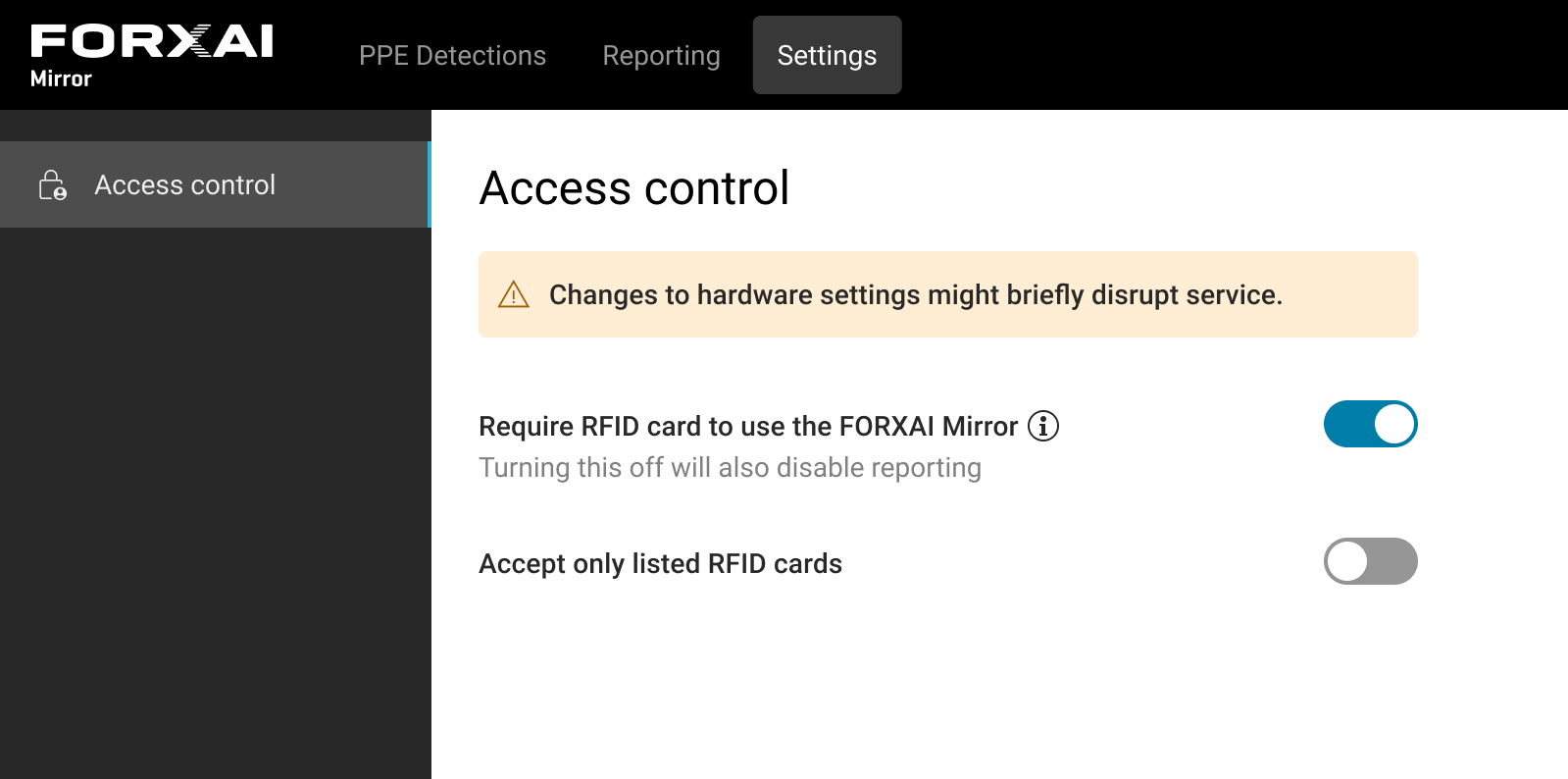
Require RFID card to use the FORXAI Mirror
This setting enables or disables the requirement for users to authenticate themselves using an RFID card before initiating the PPE compliance check.
When enabled:
Users must authenticate by scanning a valid RFID card. The Mirror will wait for card authentication before proceeding to the next step.
This ensures that only authenticated users can perform PPE compliance checks.
When disabled:
- Authentication with an RFID card is unavailable. The Mirror defaults to the “trigger pose” state, where users perform the designated pose to capture an image for PPE compliance verification.
⚠️ Disabling this setting will also disable Reporting functionality.
Accept only listed RFID cards
This setting determines whether the Mirror restricts accepted RFID cards to those explicitly listed in the uploaded CSV file. It is only visible and configurable when the Require RFID Card to Use the FORXAI Mirror setting is enabled.
When enabled:
Administrators must upload a CSV file containing the unique IDs of allowed RFID cards.
Only RFID cards listed in the uploaded CSV file are accepted by the Mirror.
Users using cards not listed in the CSV file are not allowed to do the checks and displayed as “Access denied” in reports.
When disabled:
RFID card authentication is still required, but the Mirror will accept any RFID card.
Users with uploaded card IDs and user types will still be recognized and recorded as usual.
Users without an uploaded card ID will be listed as the Default user type.
This option provides a less restrictive authentication mechanism where no uploaded CSV is necessary.
Administrators should configure these settings based on the desired level of access control and security for their environment.
Admin card override
Admin Override allows any user to pass through the Mirror when an Admin (shift manager) card is used. When a card marked as is_shift_manager is used, the system immediately authorizes the person, regardless of who they are. How to upload the CSV file with employees. The admin card can be used alone or as a second swipe after normal employee card.
No equipment or color checks are performed, no override confirmation is required, and no trigger pose is needed. The person is automatically marked as valid and expected doors open. The Access Granted screen is displayed on the Mirror.
In reporting, the final result is recorded as Bypassed and Admin Override as True.
Trigger pose override - percentage-based check
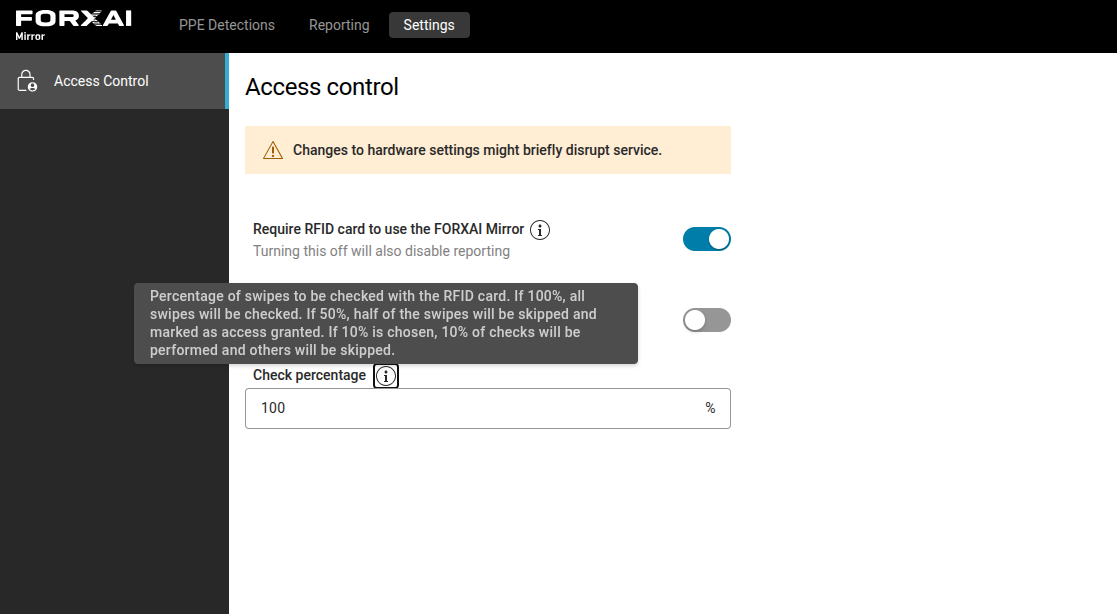
This setting determines whether the trigger pose and PPE checks can be skipped based on a percentage defined by the administrator.
The administrator sets a value between 1 and 100, meaning x out of 100 users are subjected the actual check.
In all other cases, the PPE check is bypassed, and access is granted according to the access control rules.
By default, the value is set to 100%, ensuring that all users go through PPE checks without exception.