Appearance
Using the Mirror
This article provides information on how to use the Mirror.
⚠️
The Forxai Mirror is an advisory tool designed to monitor PPE compliance. While it provides valuable real-time feedback, it is not intended as the sole determinant for access or operational decisions. Users are responsible for ensuring adherence to their company's health and safety policies.
Perform the PPE check
To perform a proper PPE check, perform the following steps:
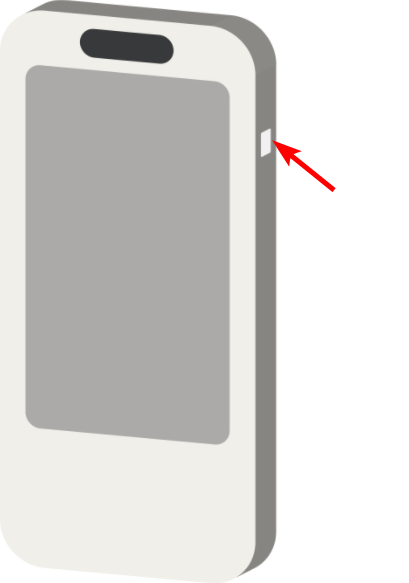
Place your ID card on the right side of the mirror frame.
Stand in front of the mirror. If placed, check the sticker on the ground in front of the mirror to determine the appropriate distance based on your height.
Stand up straight and lift both hands to the side of your head.

💡 This pose ensures the best detection rate of PPE discrepancies.
Wait a few seconds for the evaluation.

The evaluation will appear.
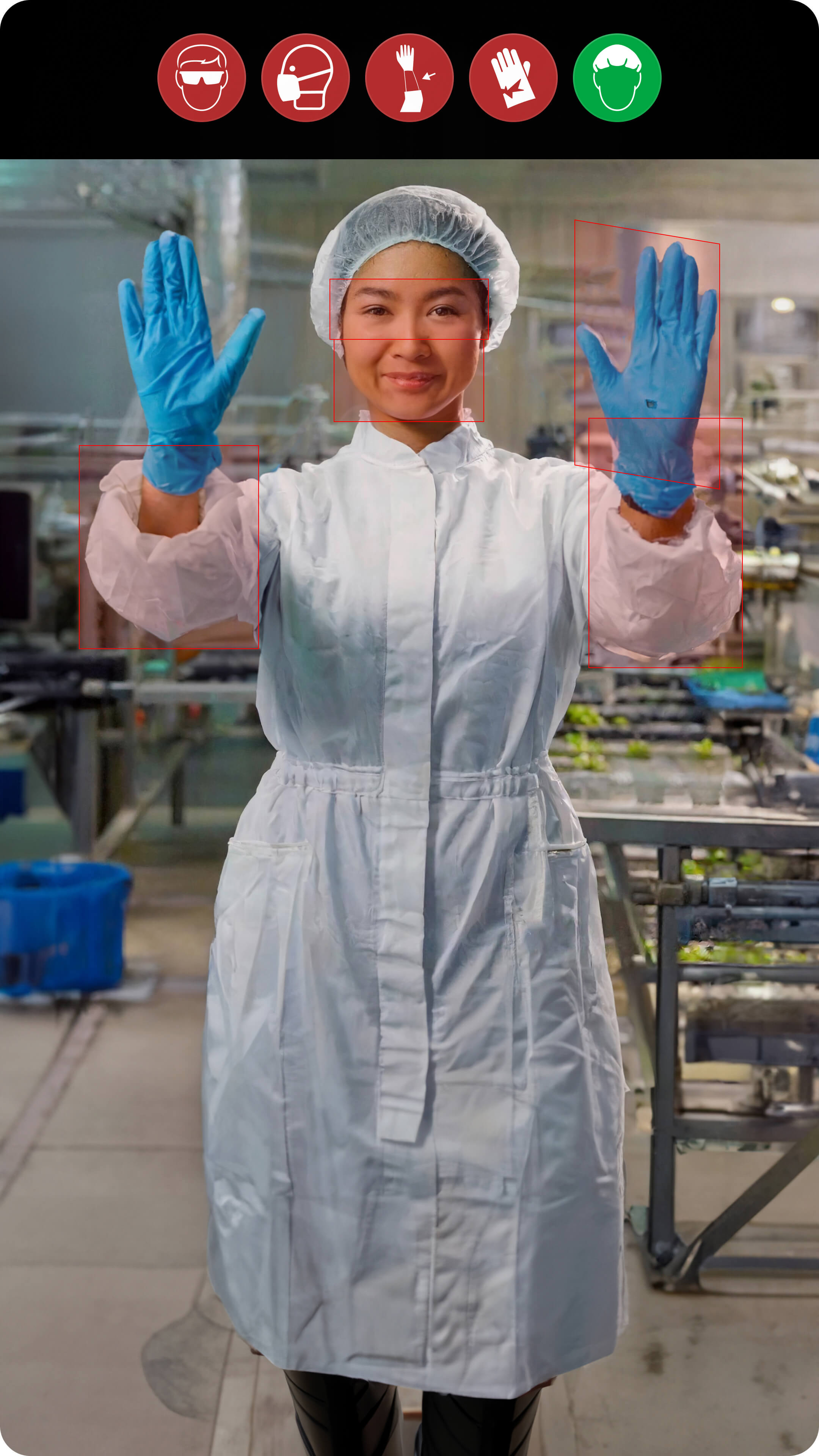
If the Mirror detects PPE discrepancies, a red cross symbol appears.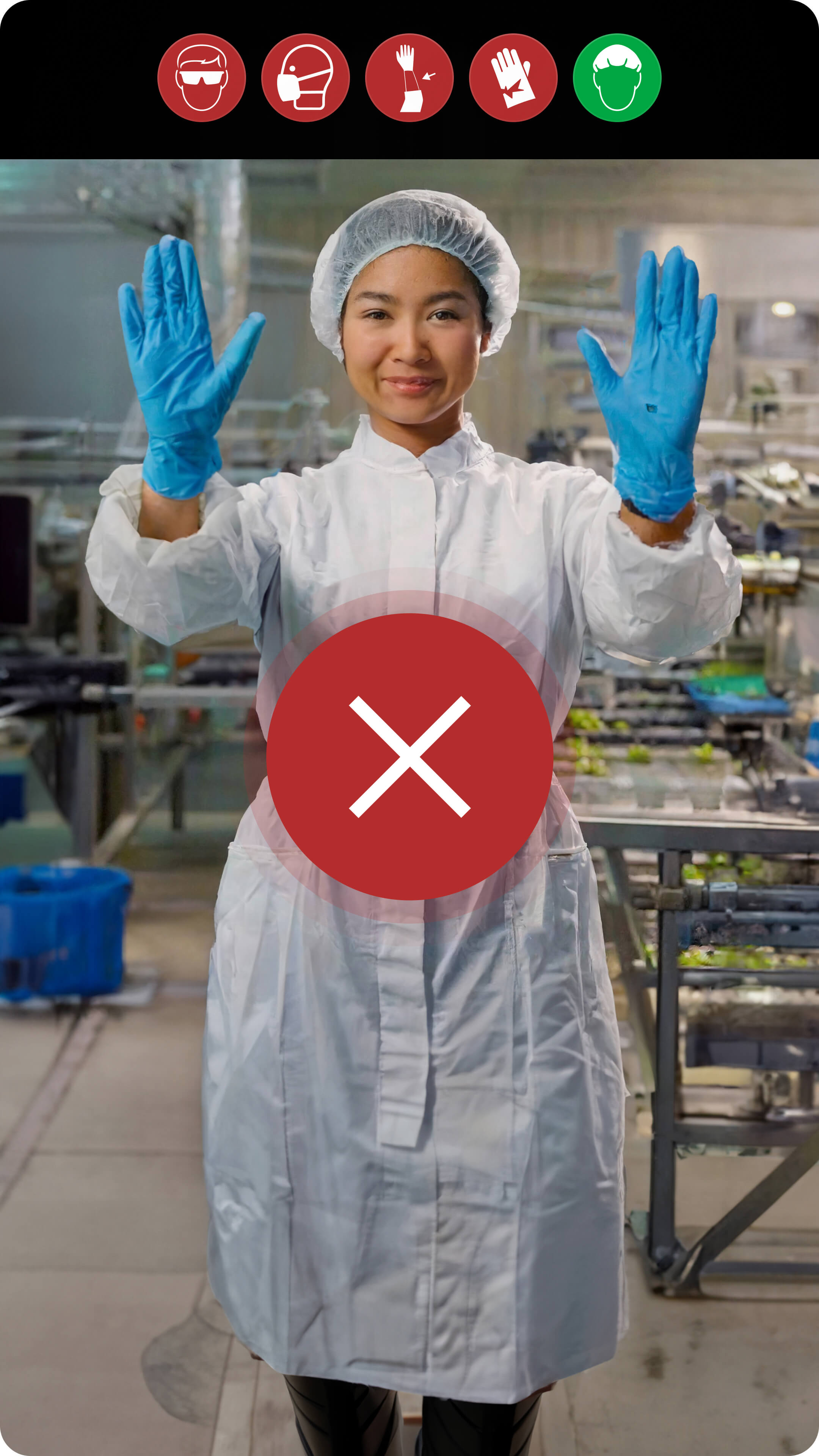
Then, the discrepancies are highlighted by red boxes and icons on top of the image, indicating which pieces of equipment do not meet the requirements and need to be fixed.
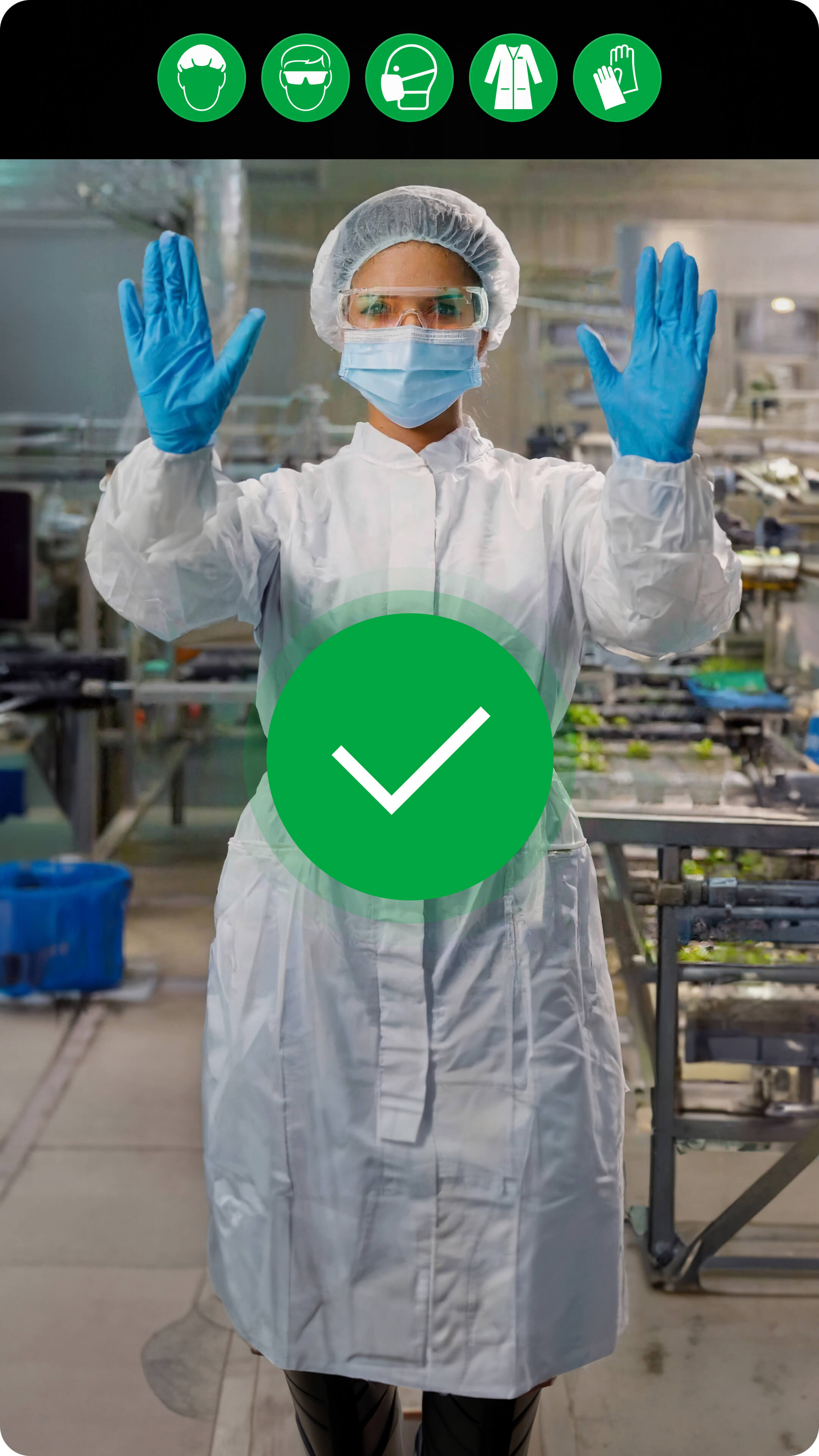
If all pieces of equipment meet the requirements, a green checkmark appears, and the employee can proceed to their workstation.
Skip the PPE check (Admin override)
If you need to skip the evaluation process for any reason, such as maintenance, false positives, or allowing workers with unusual equipment, you can skip the check by placing an ID card with supervisor privileges (card set as shift manager) on the right side of the mirror frame.
- You can only skip the check with a supervisor card after a user has already placed their ID card to the mirror and started the PPE check process.
- You cannot skip the check while a snapshot of the trigger pose is evaluated.
- A supervisor always skips the PPE check when they use their card.
- The PPE check can only be skipped for one employee at a time.
- You cannot skip the check while a snapshot of the trigger pose is evaluated.
- A supervisor always skips the PPE check when they use their card.
- The PPE check can only be skipped for one employee at a time.
Troubleshooting errors
The following section explains how to deal with any errors that appear on the FORXAI Mirror screen.
System error
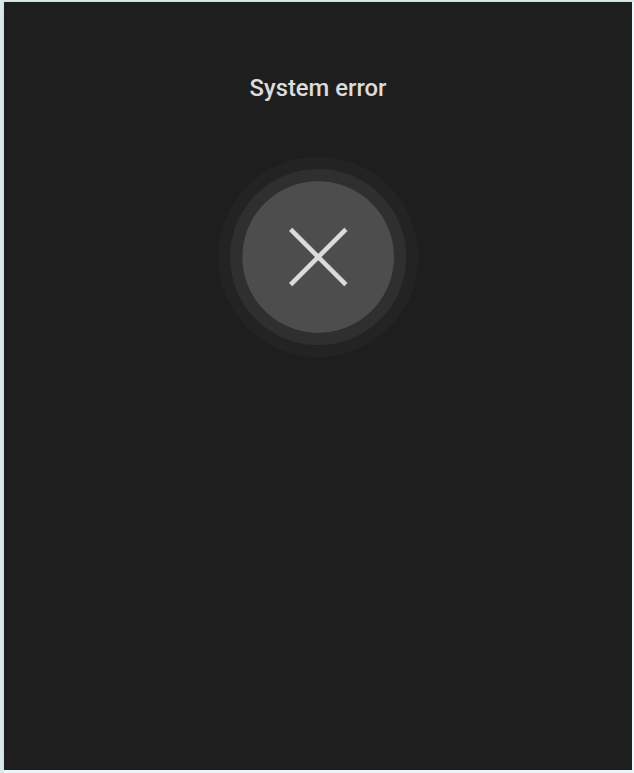 The “System error” screen is a generic error message, usually related to a hardware malfunction or a system failure.
 If you encounter this error, contact Konica Minolta support.
Card not recognized
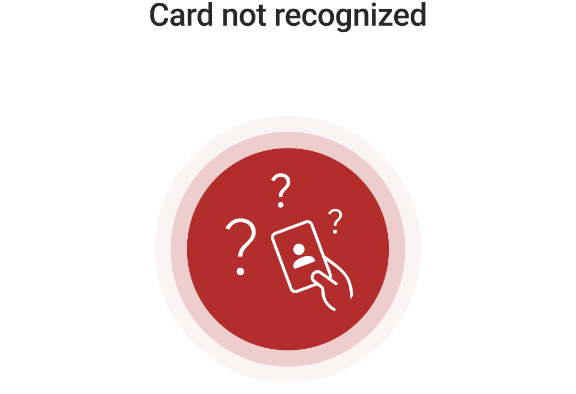 The “Card not recognized” error appears when the Mirror fails to identify the used ID card.
 Try the following troubleshooting steps:
Verify you have uploaded a user list.
Verify the card IDs in the uploaded list match the IDs of the physical card.