Appearance
PPE Detections
This article describes how to set which specific protective equipment will be checked by the Mirror.
Supported PPE types
FORXAI Mirror supports the detection of the following protective equipment:

Hardhat detection
Detects if the user is wearing a hardhat (helmet or safety cap).

Hairnet, hood, and cap detection
Detects if the user is wearing headwear.

- Hair detection
Detects if hair is exposed when headwear is worn.

Safety glasses detection
Detects if the user is wearing safety glasses.
Spectacles are prohibited
Detects if the user is wearing spectacles instead of safety glasses.Sunglasses are prohibited
Detects if the user is wearing sunglasses instead of safety glasses.

Face mask detection
Detects if the user is wearing a face mask.
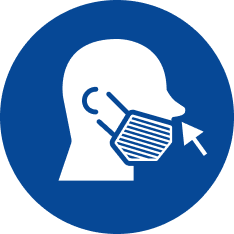
- Nose exposure
Detects if the nose is exposed when a face mask is worn.
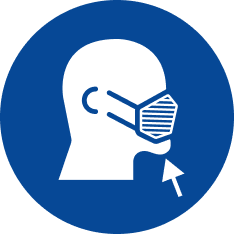
- Chin exposure
Detects if the chin is exposed when a face mask is worn.
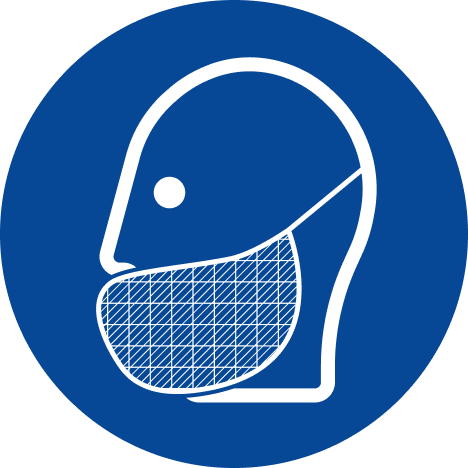
Beard cover detection
Detects if the user is wearing a beard cover.
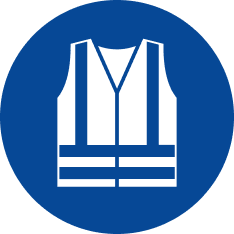
Safety vest detection
Detects if the user is wearing a high visibility safety vest.

- Closed safety vest detection
Detects if the safety vest is closed.
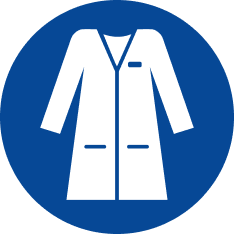
Smock detection
Detects if the user is wearing a smock.
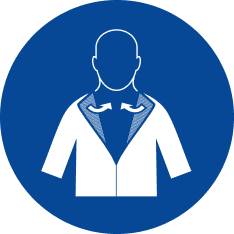
- Neck skin exposure
Detects if the skin is exposed around the neck when a smock is worn.
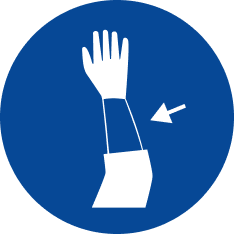
- Sleeve skin exposure
Detects if the skin is exposed around the sleeve when a smock is worn.

Worksuit detection
Detects if the user is wearing a worksuit.

Apron detection
Detects if the user is wearing an apron.

Oversleeve detection
Detects if the user is wearing oversleeves on each arm.
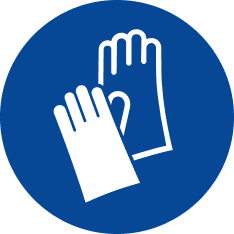
- Oversleeve properly worn
Detects if any oversleeve is not worn properly.
Glove detection
Detects if the user is wearing gloves.
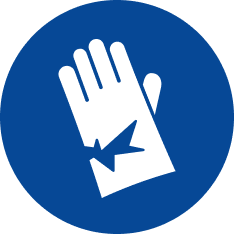
- Torn gloves
Detects if any worn gloves are ripped.
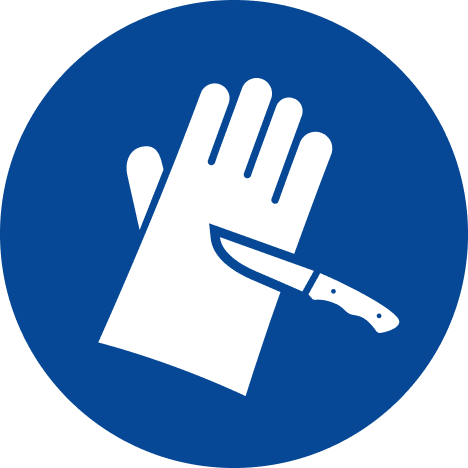
Anti cut gloves
Detects if the user is wearing cut-resistant gloves.
💡
You must wear cut-resistant gloves on both hands to pass the check.

Hand jewelry detection
Detects if the user is wearing jewelry on hands or wrists, such as bracelets, watches, or rings.

Long pants detection
Detects if the user is wearing long pants.

Enclosed shoe detection
Detects if the user is wearing closed footwear.
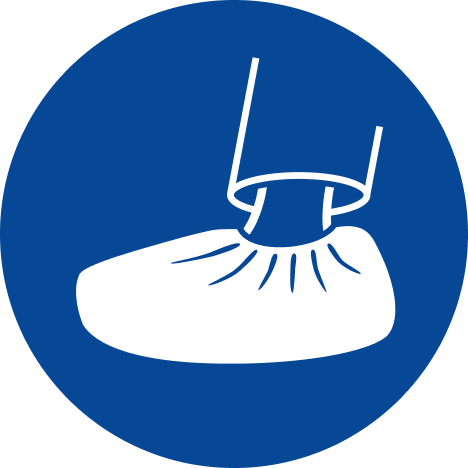
Shoe cover detection
Detects if the user is wearing both shoe covers
Configure detection
To configure the checked items, follow these steps:
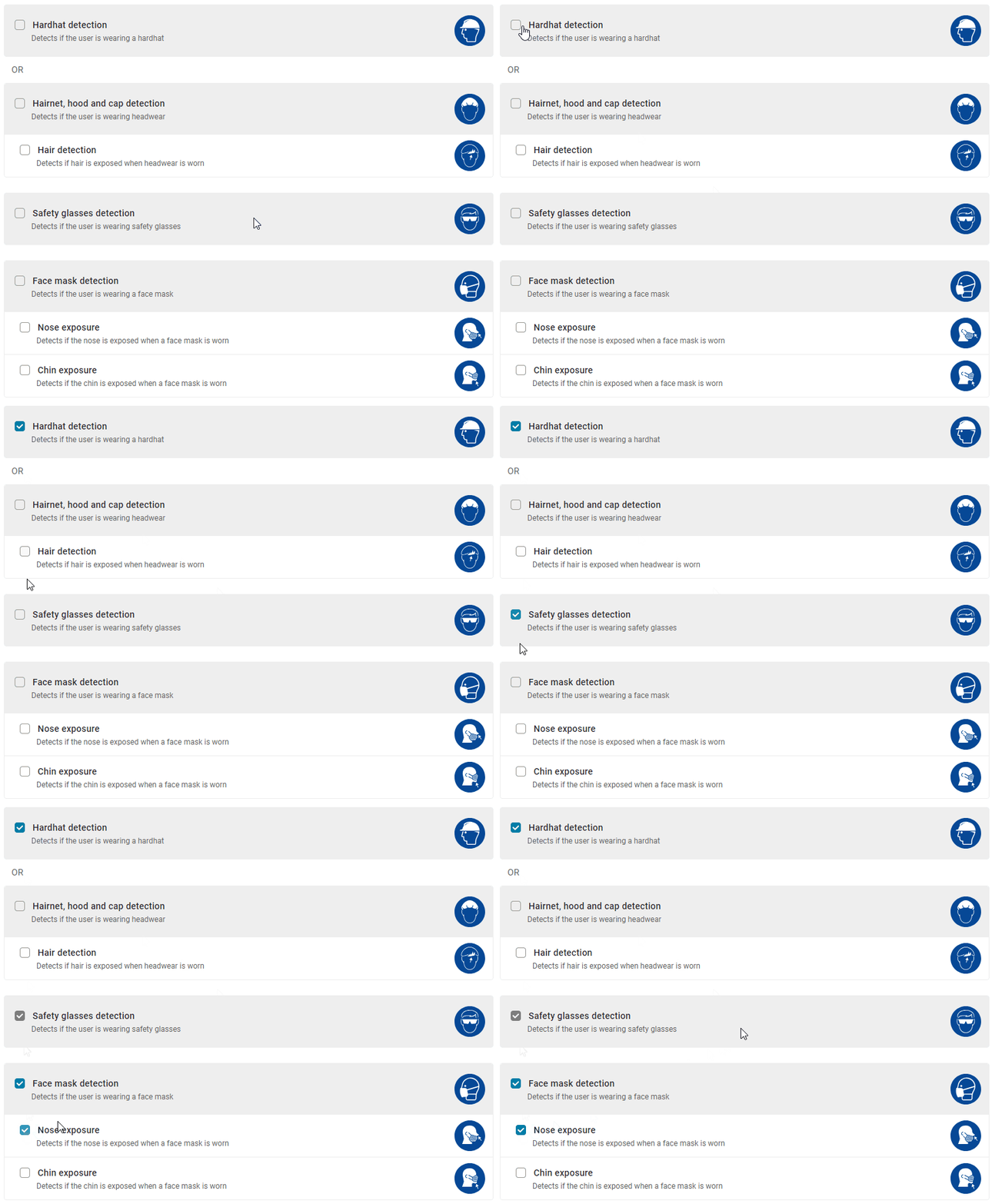
- Go to PPE Detections in the admin settings.
- Click the checkboxes next to the relevant items and their subcategories.
💡
Some items cannot be checked at the same time, e.g., a hardhat and a hairnet.
Confirm your selection by clicking Save Changes.
⚠️ Select only the equipment that is required in your facility
Selecting equipment that isn’t required for your PPE regulations will result in false positives, reduced accuracy, contamination of reporting data, and reduced processing efficiency of the Mirror.
Selecting no options
When no options are selected, the mirror doesn’t check for PPE and automatically grants access to any user.
💡
The trigger pose must be done even with no options selected to get granted access.