Appearance
General Settings
The General Settings section provides runtime configuration options for deployed devices. Within this section, you can adjust parameters such as the IP address or the health check status a device without requiring a redeployment.
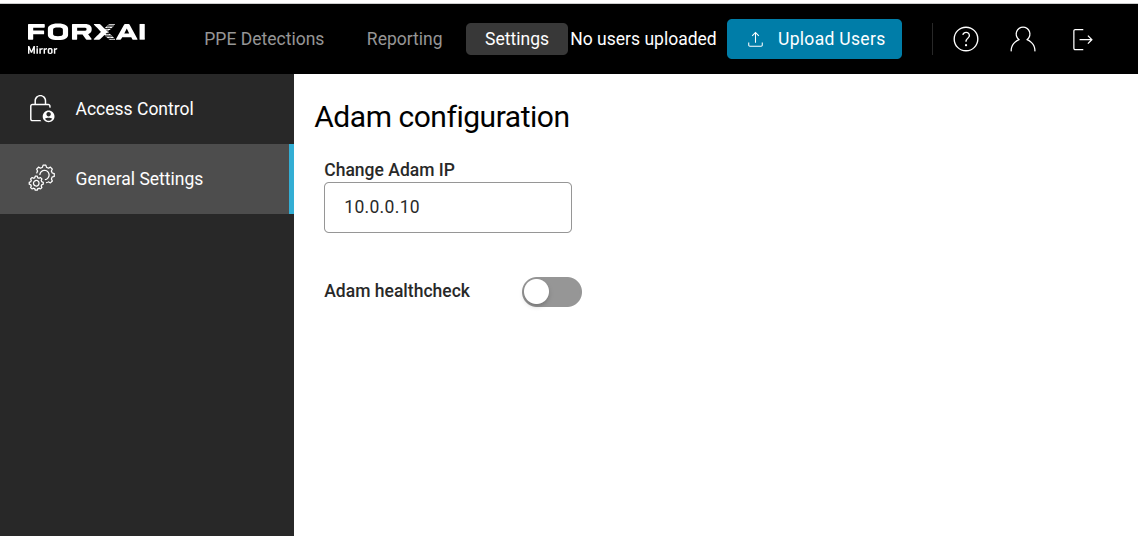
ADAM configuration
This setting enables to update the IP address or modify the health check status of the ADAM device at runtime.
To set the default IP of the ADAM contact your local technician.
Change ADAM IP
- Administrator can modify the IP address of the ADAM device while it is running, ensuring seamless adaptation to network updates
ADAM healthcheck
Administrators can enable or disable the health check option of the ADAM device while it is running, allowing flexible control over automatic connection monitoring between the Forxai Mirror and the ADAM.
When enabled:

- the system periodically and automatically checks the connection between the FM and the ADAM.
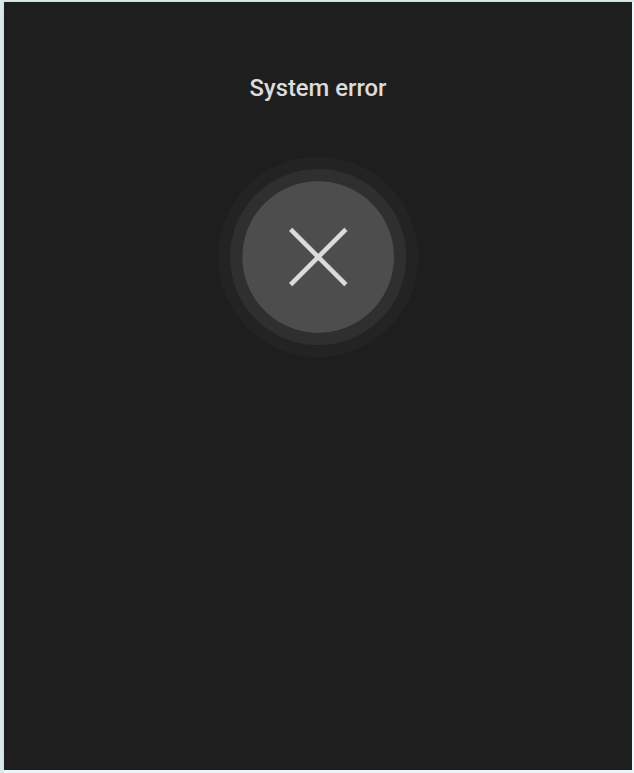
⚠️ Forxai Mirror raises a system error when the healthcheck fails.