
Appearance
Devices
The Devices section serves to enter hardware components that are used in the deployment, such as cameras or input/output modules (e.g., ADAM-6xxx).
Our platform is compatible only with the following devices. To get more information of each device open the links.
- Advantech® ADAM-6060 series, for more information visit ADAM-6060 page
- Basler™ GigE camera, for more information visit Basler GigE Camera page
- USB Keypad
- MOBOTIX® Camera
- Virtual camera, for more information visit Virtual Camera page
Adding devices
To add devices, follow these steps:
Select Devices from the left side panel.
Click Add device.
Select the device type.
Fill in the required fields.
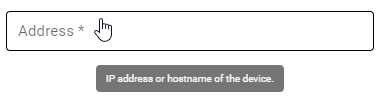
- After you’ve finished filling in the information, click Add.
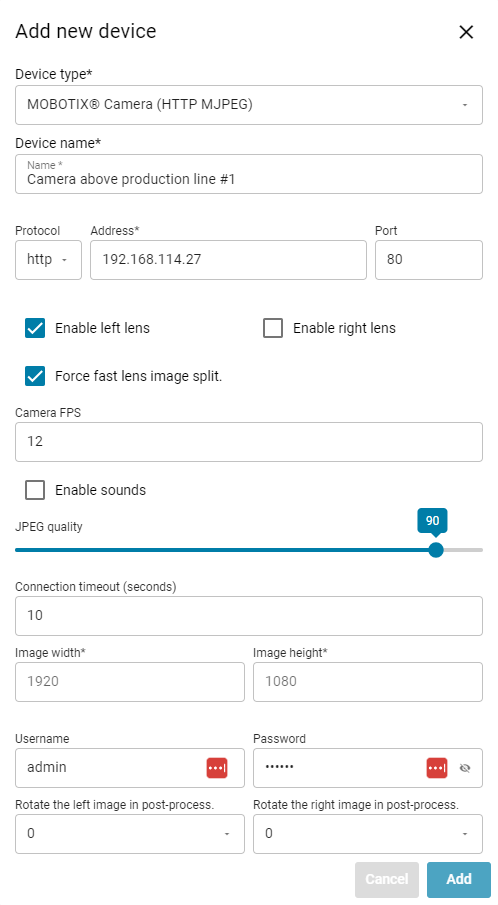
- Add in all the devices present in the hardware setup, then proceed to the next part of the project builder.
Dynamic behaviour
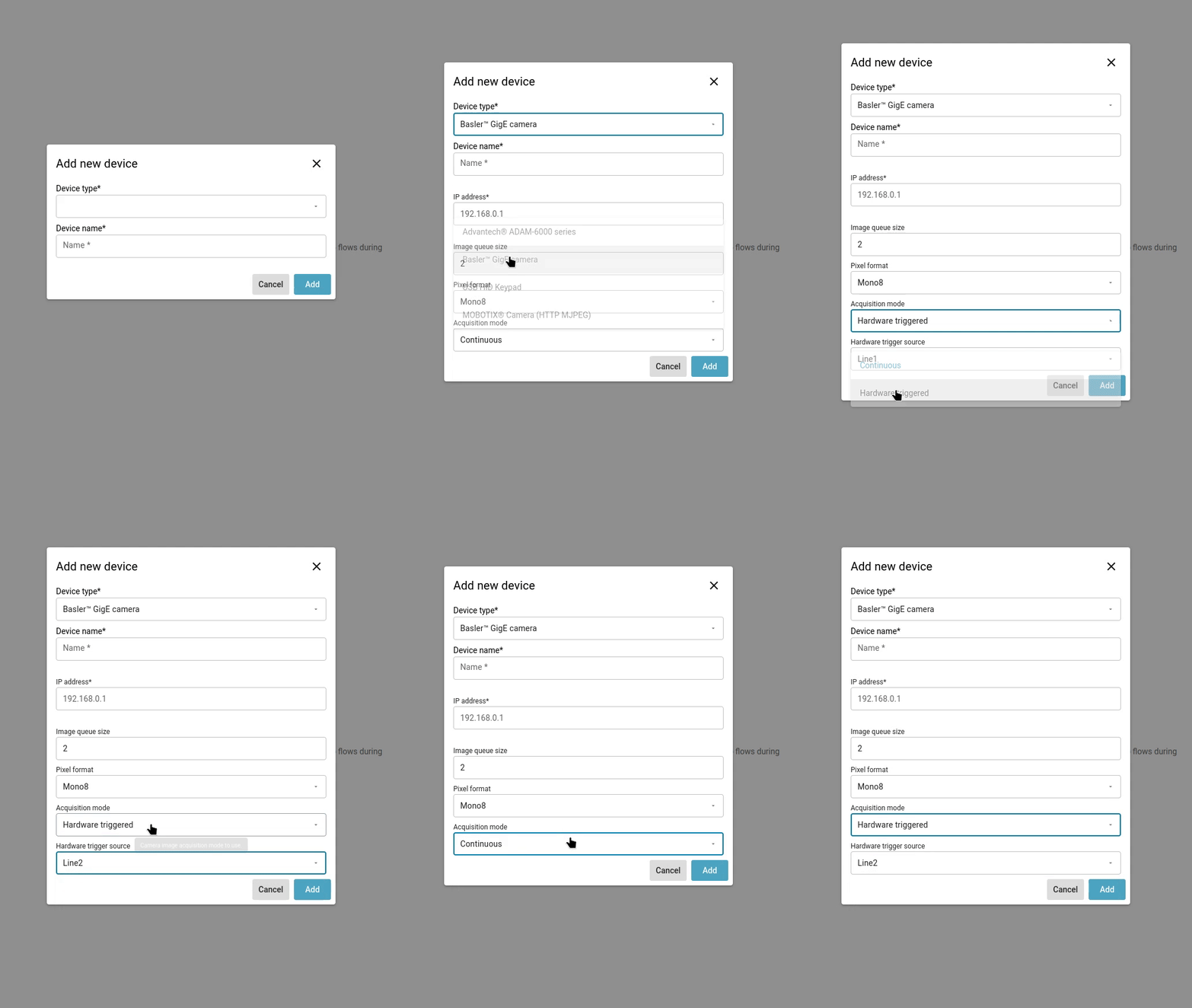
The device configuration may behave dynamically and can modify the configuration form based on the users input.
Camera device health check
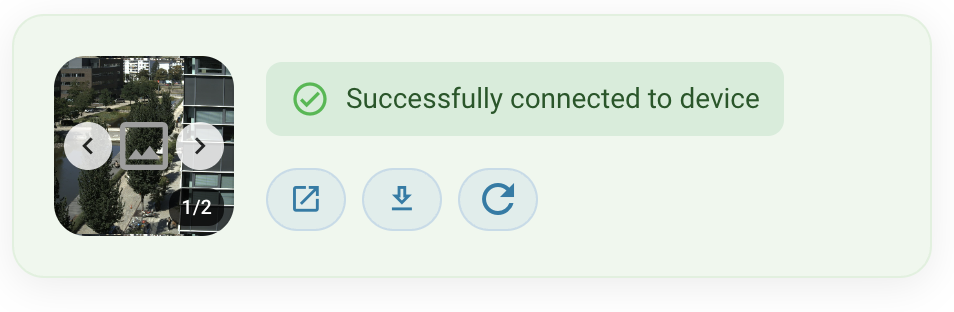
On camera devices, there is an automatic output preview functionality that allows you to see a camera output. The camera output preview can be run on the device overview page and in the device configuration page.
⚠️ Warning
The health check button is not available for devices in projects created on versions earlier than FVV 3.0.0. If supported by the platform (Mobotix and Basler cameras), the camera preview will appear on the Device tile on the Device Overview page.