
Appearance
Dataset selection
Overview
In this step, you define the data the model will learn from and be evaluated on by selecting training and validation datasets along with their corresponding annotations.
Use Dataset selection to:
- Select the training dataset and its annotations for model learning
- Select the validation dataset and its annotations for performance evaluation
WARNING
If you don't see any datasets in the options, then you should probably go back to Datasets and check if you have prepared datasets on datasets page. For more information about datasets check Datasets.
Accessing dataset selection
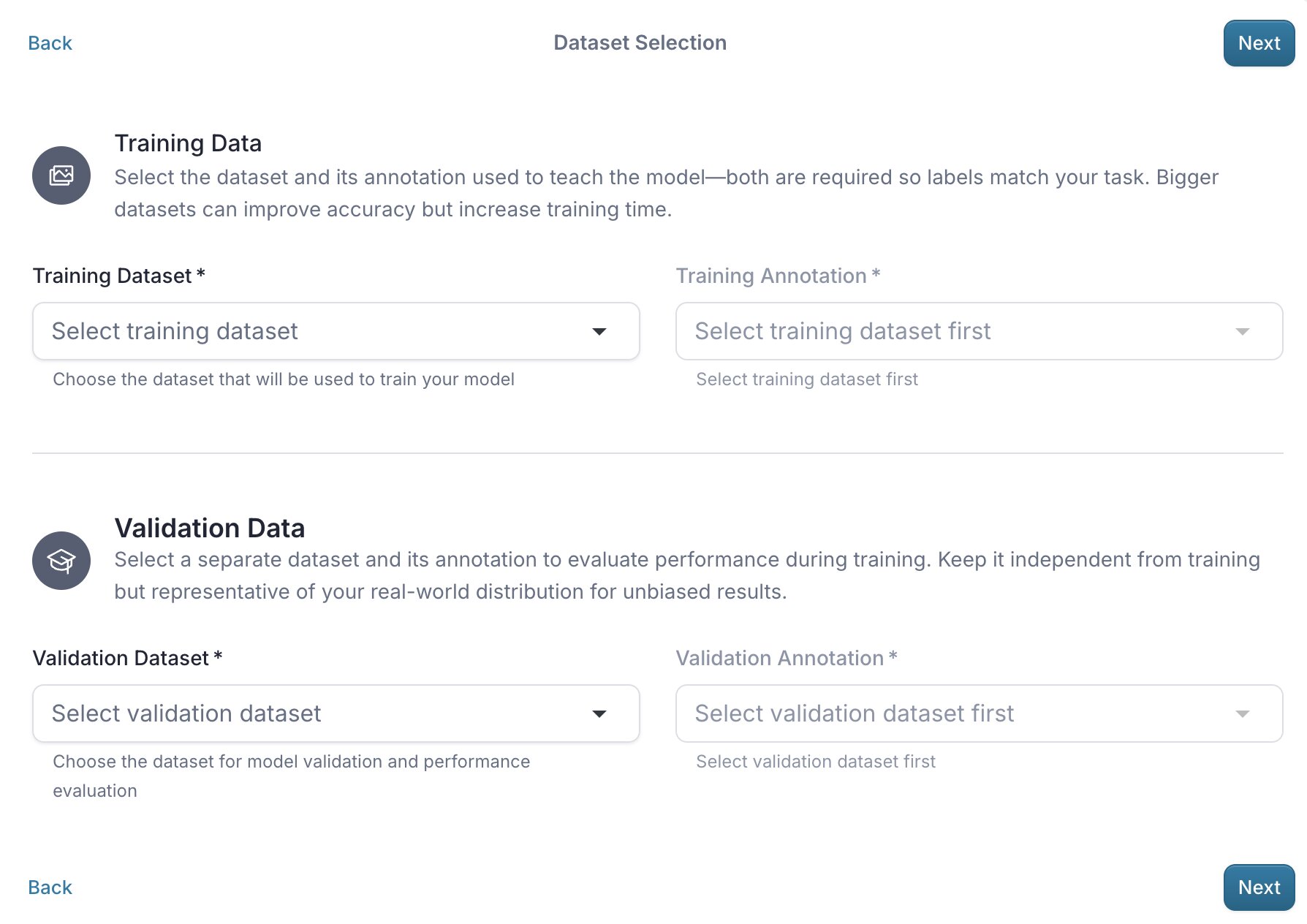
Problem type compatibility
The dataset's annotation type must be compatible with the selected problem type. The following table maps problem types to their required annotation types.
| Problem Type | Annotation Type |
|---|---|
| Classification | Classification |
| Object Detection | Object Detection |
| Anomaly Detection | Classification |
💡 Tip
Anomaly Detection does not require annotations for the training dataset. However, the validation dataset requires Classification annotations with an additional mapper to convert labels into non-anomalous and anomalous classes.
Training dataset and annotation
The training dataset should be representative of the variance of the target object and contain enough samples to allow the model to learn meaningful patterns.
Validation dataset
The validation dataset is used to evaluate the model's performance during the training and should be independent from the training dataset.
💡 Tip
Do not reuse images from the training dataset. Introducing the same images from the training dataset into the validation dataset also causes data leakage, which results in overly optimistic performance estimates and it could lead to a model that appears accurate but fails to generalize when deployed and tested on production data.