
Appearance
Manage configuration with JSON editor
The JSON editor allows you to override the complete experiment configuration via the Manage configuration button.
⚠️ This action may break your entire configuration and cannot be undone. Use with caution.
Features
The JSON editor provides several ways to work with your configuration:
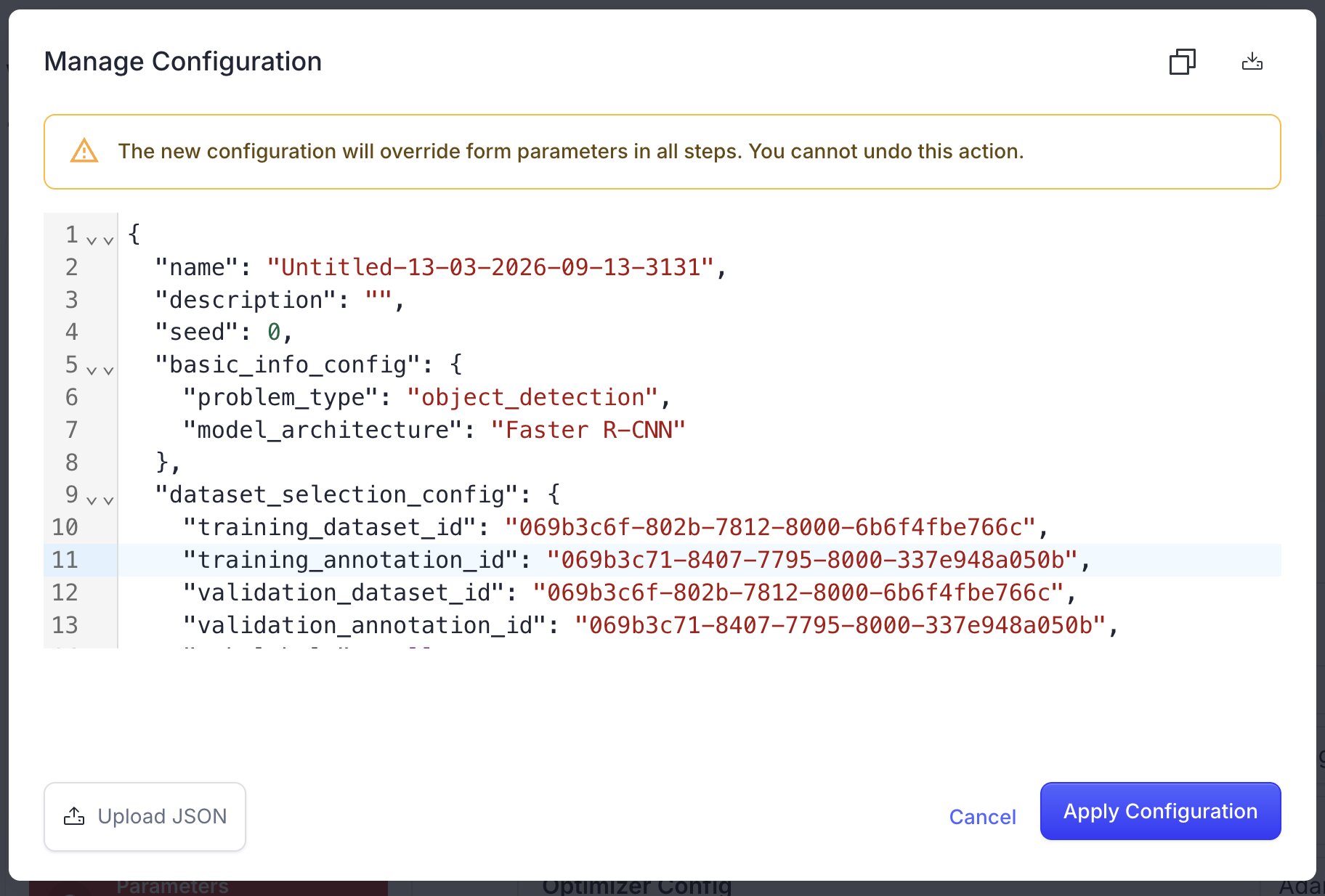
Import Configuration
- Drag and drop: Drag a JSON file directly into the editor.
- Upload button: Use the "Upload JSON" button to select a file from your computer.
Export Configuration
- Download: Click the download icon in the top-right corner of the dialog to save your current configuration.
Edit Configuration
Configuration is simple text editor with a support of json.
Best Practices
- Always back up your configuration before making changes.
- Validate your JSON syntax before saving.