
Appearance
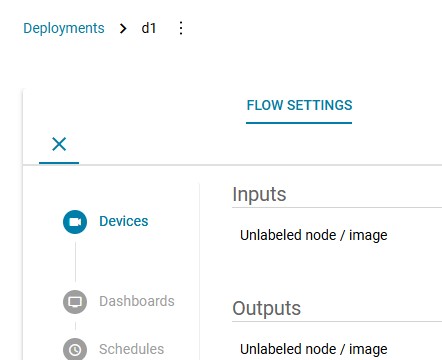
Deleted flow still referenced by a deployment
Symptoms
You may experience this issue if:
- A flow used by a deployment was deleted.
- The deployment configuration still references the deleted flow, but you cannot remove or replace it.
Causes
This issue can occur when a flow was deleted while it was still assigned to an existing deployment.
Solutions
Delete the deployment and create a new one
If the flow used by the deployment was deleted, you cannot remove it from the deployment configuration. In this case, you need to delete the entire deployment.
⚠️ Warning
Deleting a deployment removes all its configuration, including output mappings and settings. Make sure to note your configuration before deleting.
- Go to the Deployments page.
- Delete the deployment that references the deleted flow.
- Create a new deployment.
- Add the correct flow and configure the output mappings.
Expected result: The new deployment is configured with the correct flow and output mappings.
💡 Tip
Avoid deleting flows that are actively used by deployments. If you need to replace a flow, first remove it from all deployments, then delete it.