
Appearance
Missing flow outputs in deployment
Symptoms
You may experience this issue if some inputs or outputs are not available for mapping in the deployment configuration.
Causes
This issue can occur when a flow was updated with new or changed outputs or inputs.
Solutions
Remove and re-add the flow in the deployment configuration
If you updated a flow and the new inputs/outputs are not available for mapping, remove the flow in the deployment configuration and add it again.
Open the affected deployment's configuration.
Go to the tab that lists the flows used in the deployment.
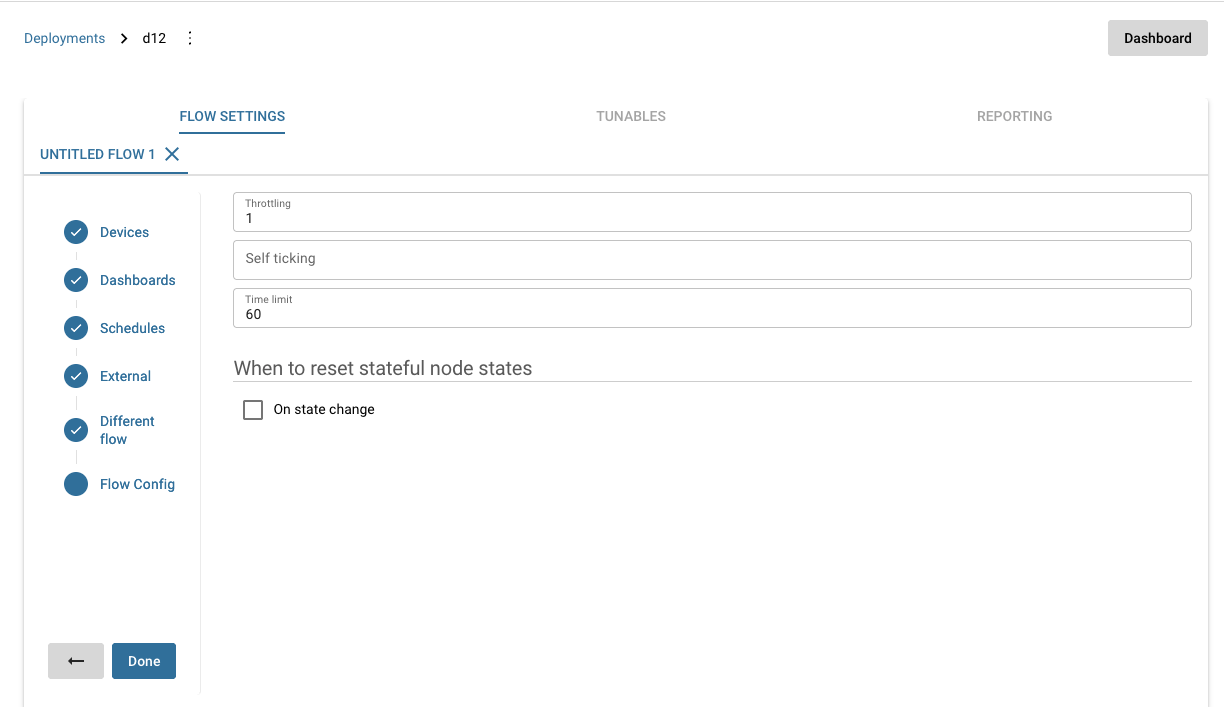
Flow settings tab with the cross icon to remove a flow. Click the cross icon next to the flow to remove it from the deployment.
Click the plus icon to add the flow back to the deployment.
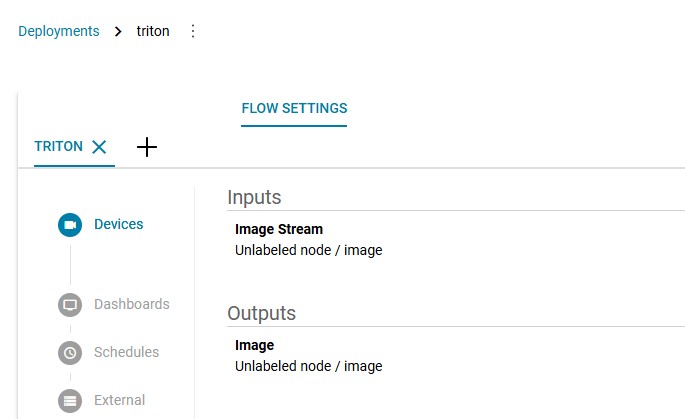
Plus icon to add a flow back to the deployment configuration. Map the outputs again using the updated flow outputs.
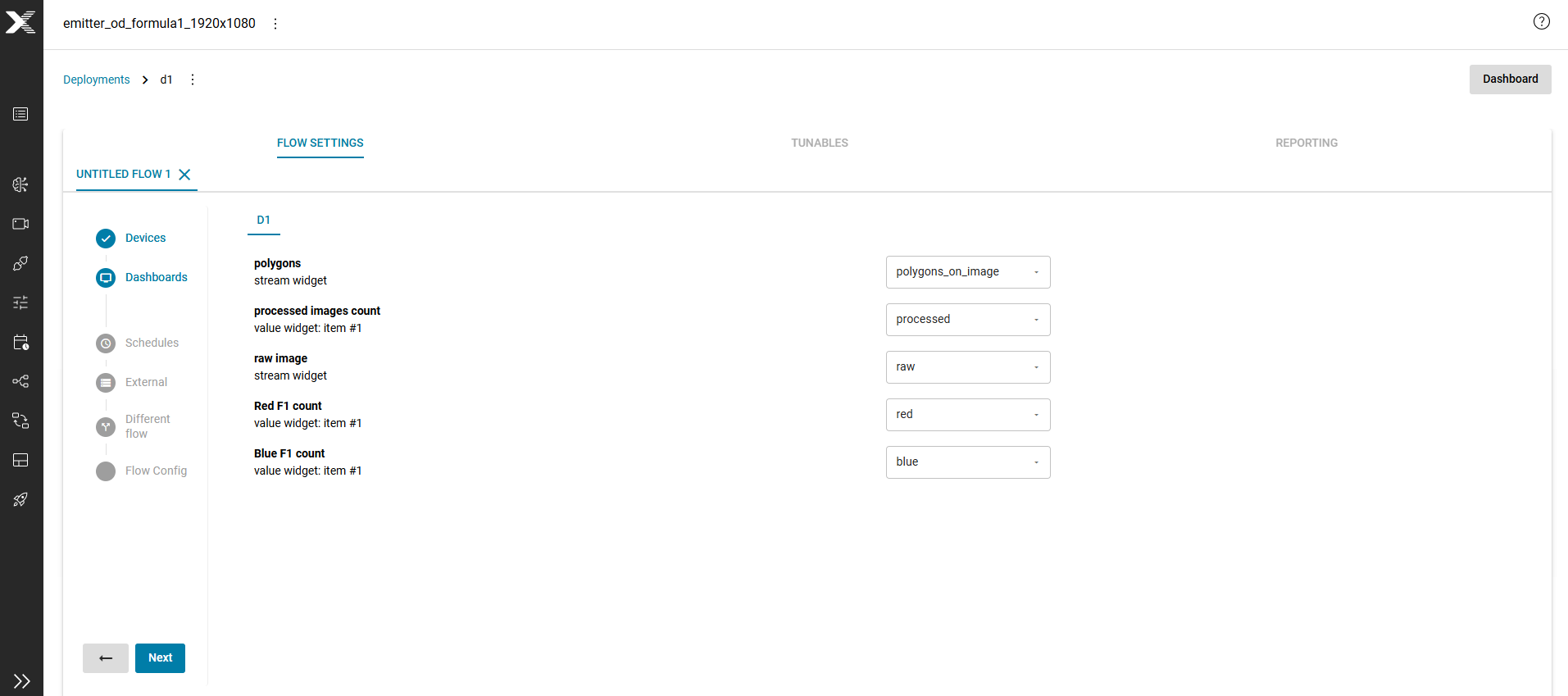
Flow settings tab showing flow output mappings.
Expected result: The deployment configuration shows the updated flow outputs and you can map them correctly.